Marker Layer
MarkerLayer pins widgets to coordinates. A marker's child is an ordinary Flutter widget: the core rasterises it
once per iconKey and hands the bitmap to the native map — Google Maps on Android, MapKit on iOS and macOS,
flutter_map everywhere else. This is the scene's demo: every marker is the same widget tree.
MarkerLayer(
markers: [
Marker(point: brussels, iconKey: 'pin', child: const Pin()),
],
)
Every screenshot below comes from the Europe demo of the example app: a marker on every European capital, a green teardrop with a gold star for the EU members.
| Apple MapKit (iOS) | Google Maps (Android) |
|---|---|
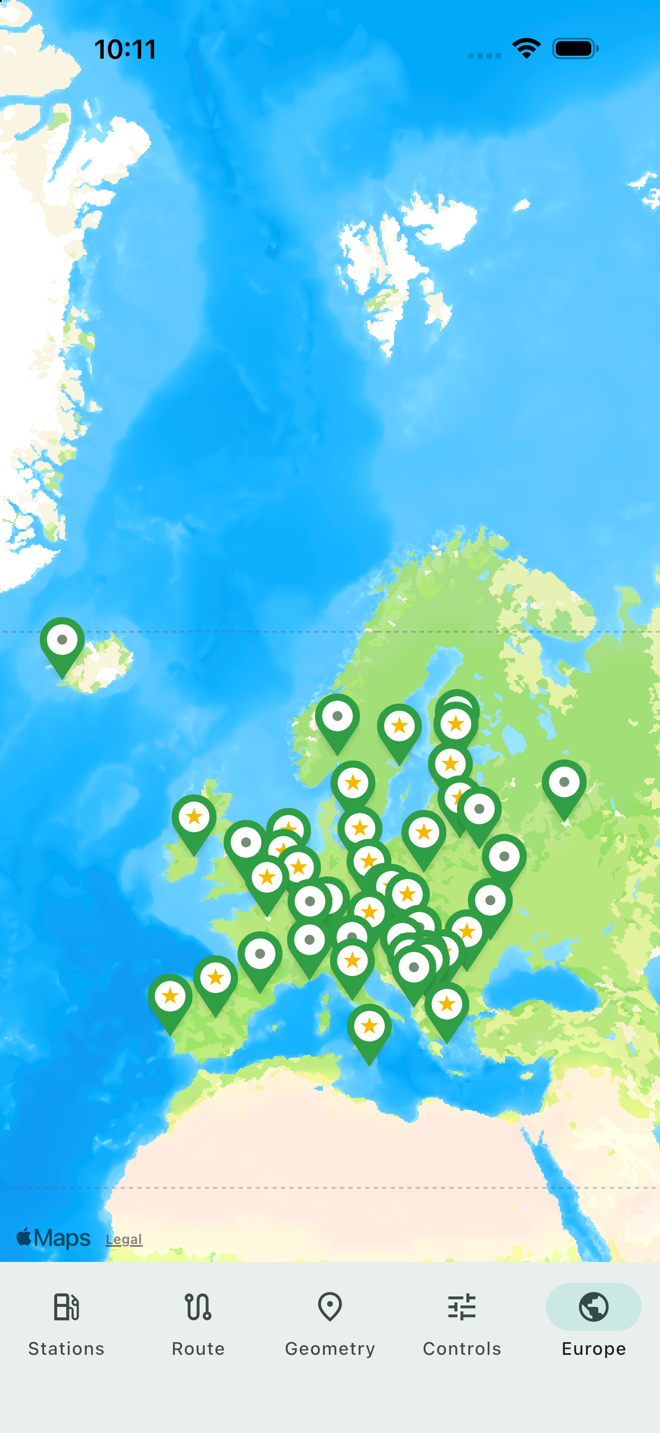 | 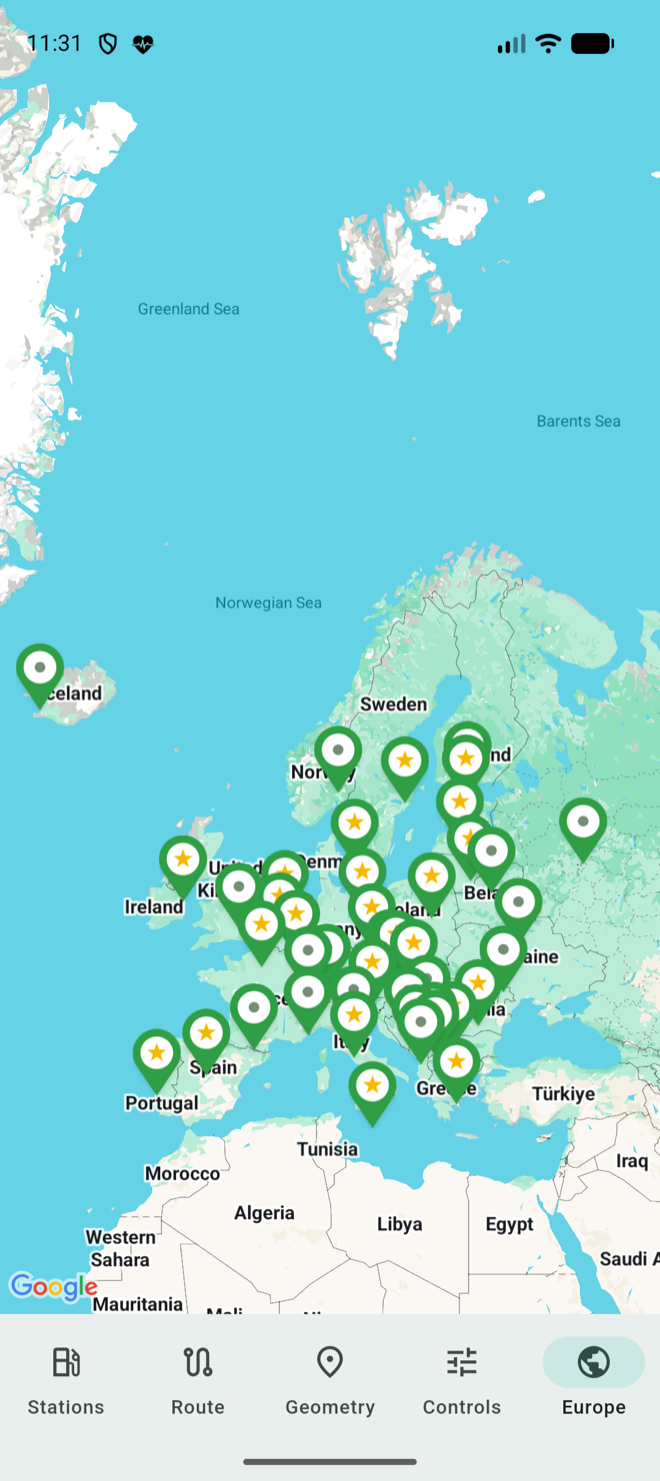 |
Pins, anchors and rotation
alignmentfollows flutter_map:Alignment.topCenterplaces the whole child above the point.rotate(on the marker or the whole layer) turns the child with the map.- Taps are resolved natively (
onMarkerTap), routed back to the layer through the marker's id.
Give a child built anew on each rebuild an iconKey that captures what it looks like, or it is rasterised again on
every rebuild. Each layer is a MapLayerState (see Plugins): it syncs its
markers on every change, and the platform only receives the difference between generations.